

What is an Organization?
An organization is a hierarchical structure that supports multiple projects, each with their own database and branches. You can invite members to an organization and projects, and this is the entity you are billed on. Each member is either an Admin or an Editor. Admins manage the organization, including its members, billing and API keys; Editors work with its projects and branches. See Organization roles for what each role can do.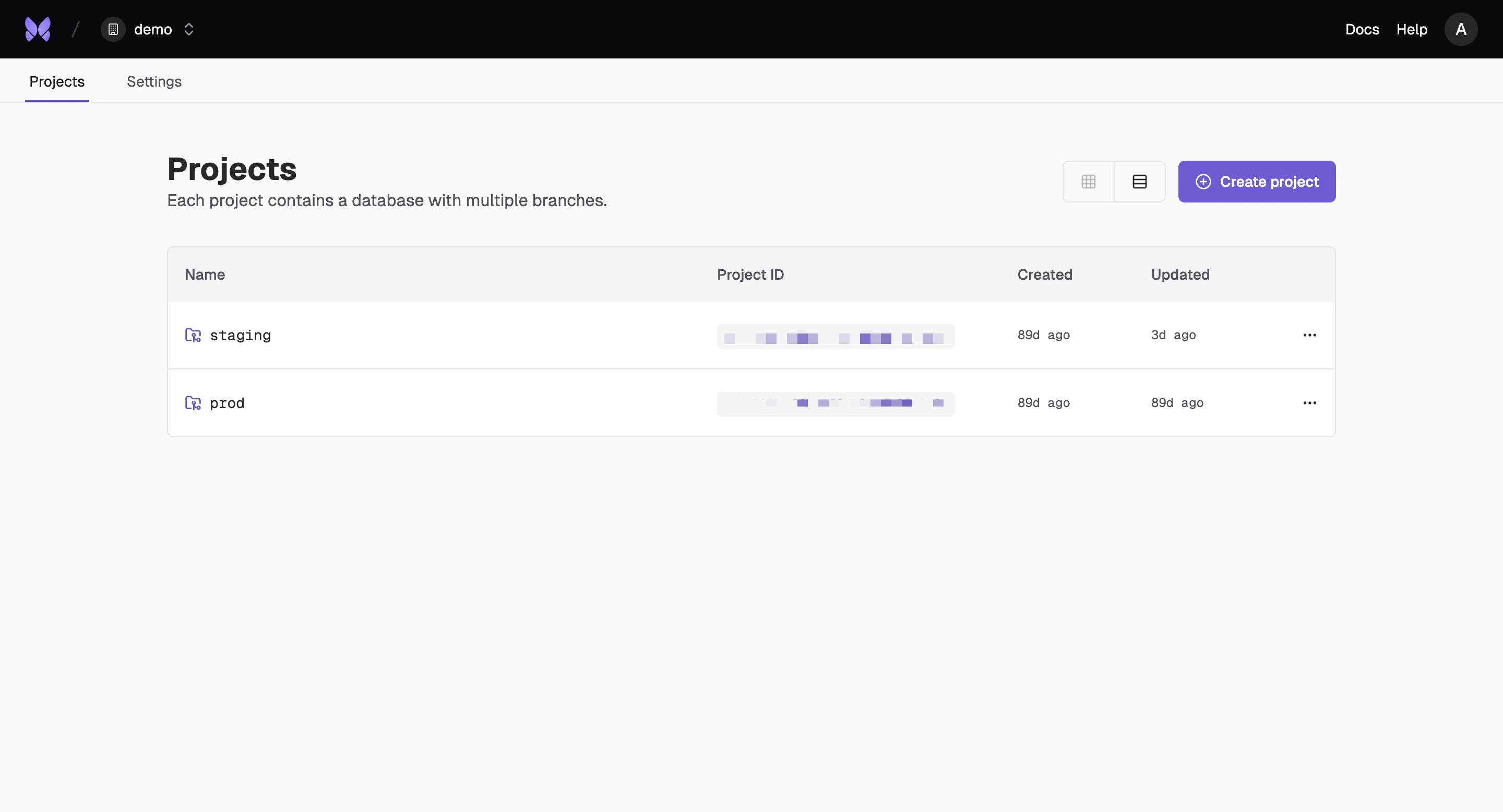
Create an Organization
Set up your organization to start collaborating with your team and managing multiple projects.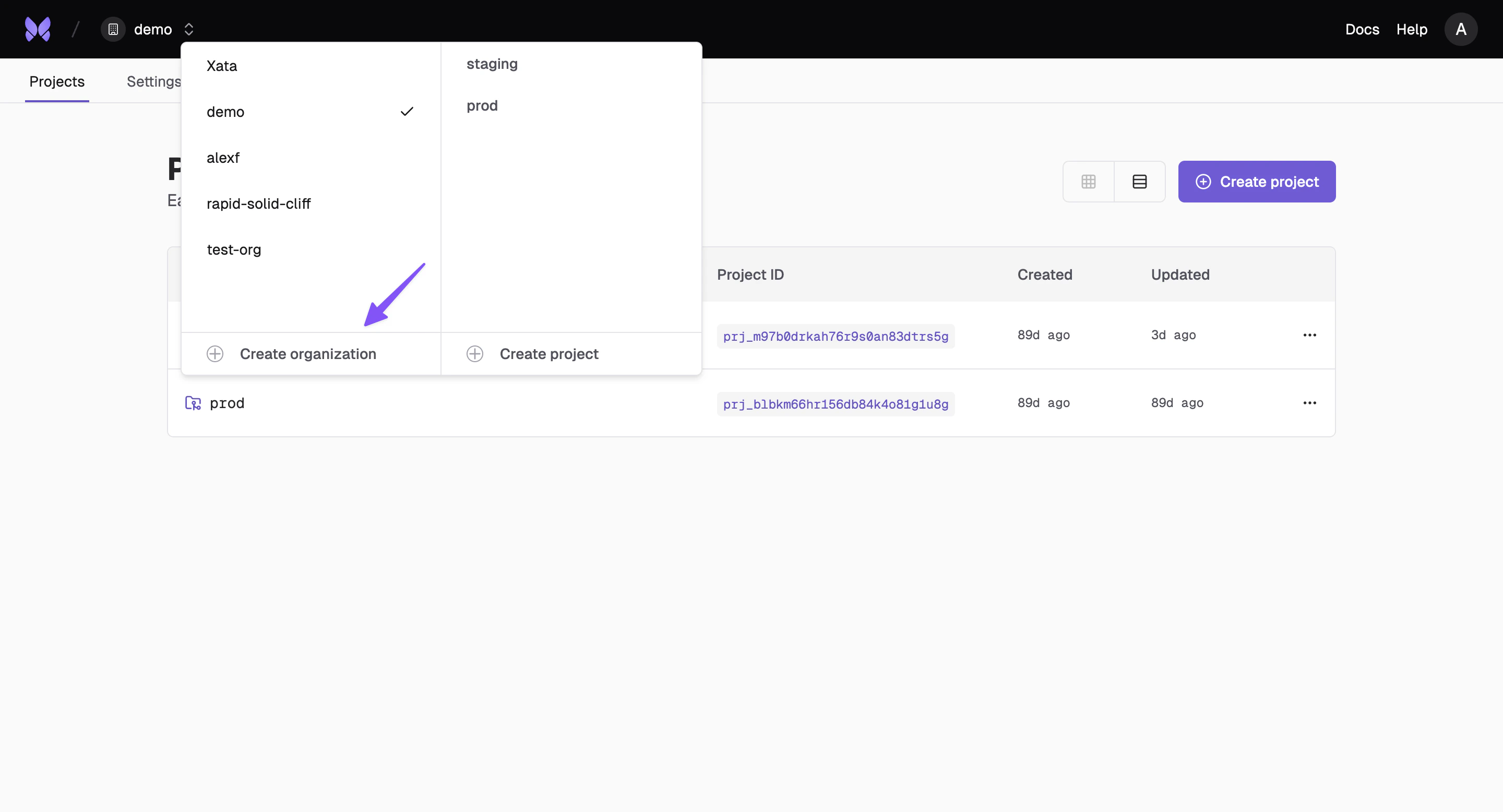
From the CLI
Use the Xata CLI to create organizations programmatically:Invite Members
Admins add team members to your organization by sending invitation emails. Each invitation sets the role the new member holds once they accept, Editor by default. See Organization roles for how to choose or change a role.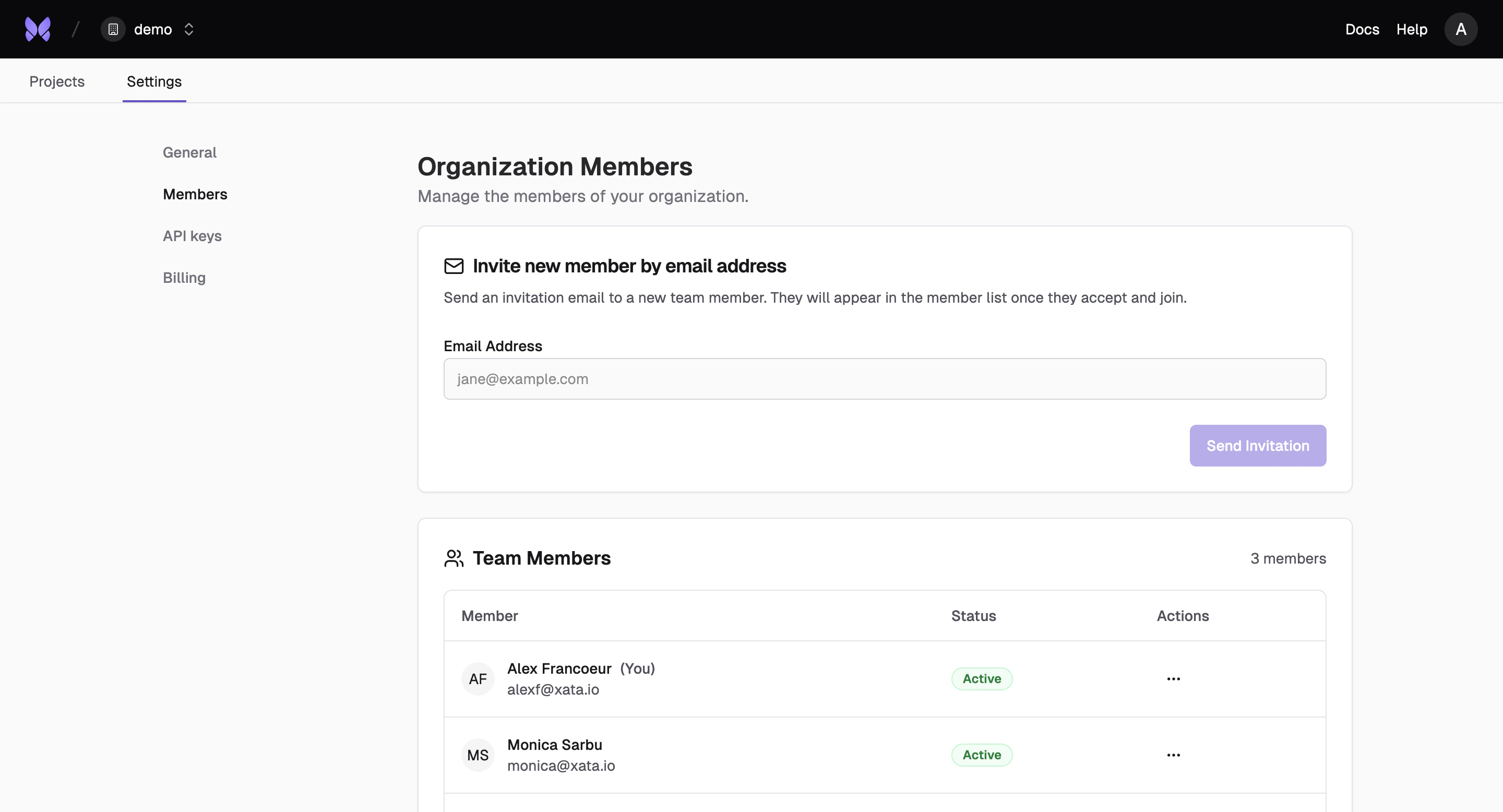
Managing Invitations
You can manage organization invitations through the Console, CLI and API. Every member can list and view invitations; sending, resending and deleting them requires Admin:- Send invitations: Invite users by email to join your organization as an Admin or an Editor
- List invitations: View all pending and expired invitations with filtering options
- View invitation details: Get information about a specific invitation
- Resend invitations: Send a fresh invitation email with an extended expiration time
- Delete invitations: Cancel an existing invitation
Organization API Keys
Manage API keys at the organization level for team-wide access and permissions.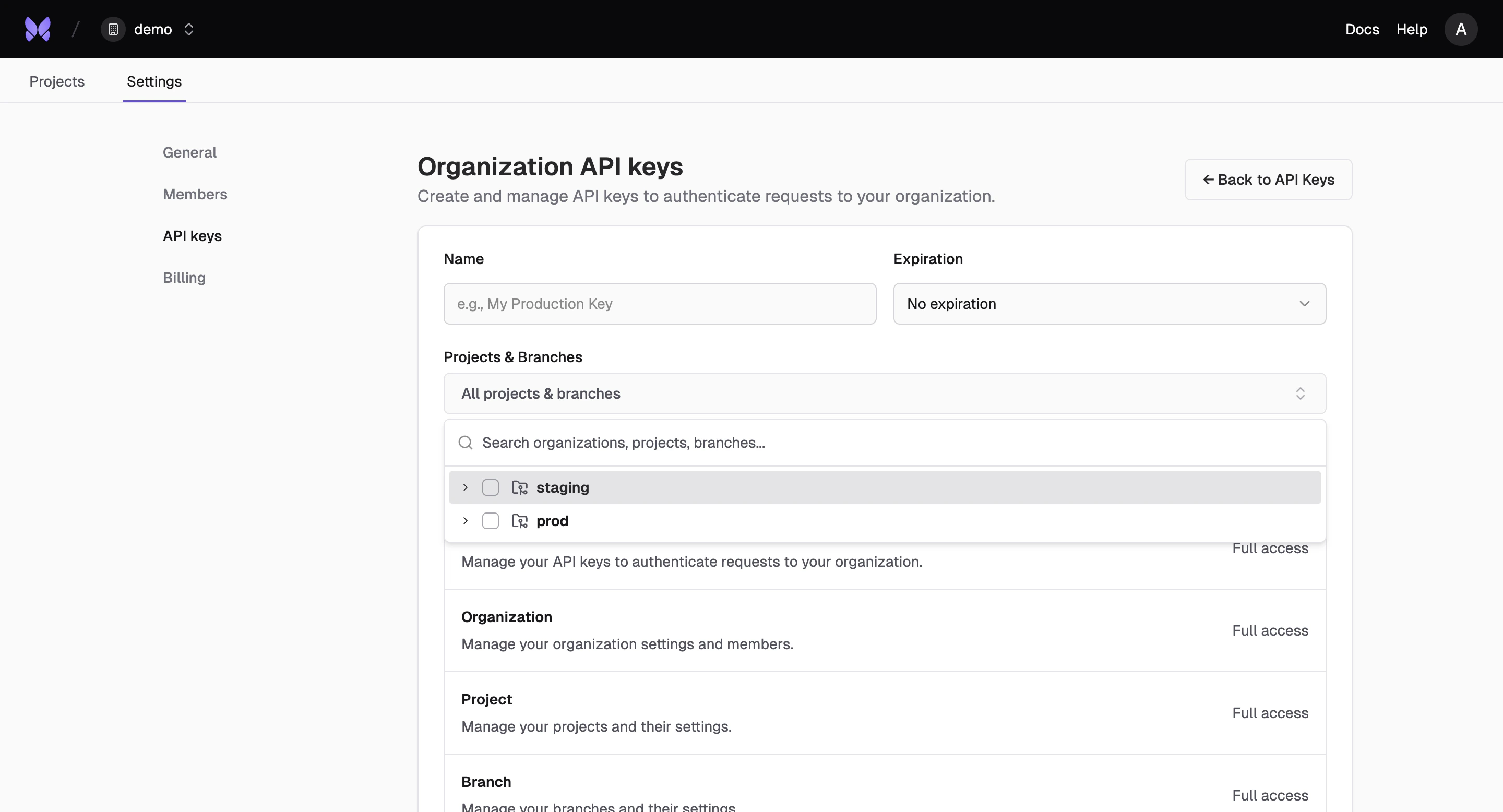
Billing
Manage billing and usage across your entire organization with centralized cost tracking and allocation.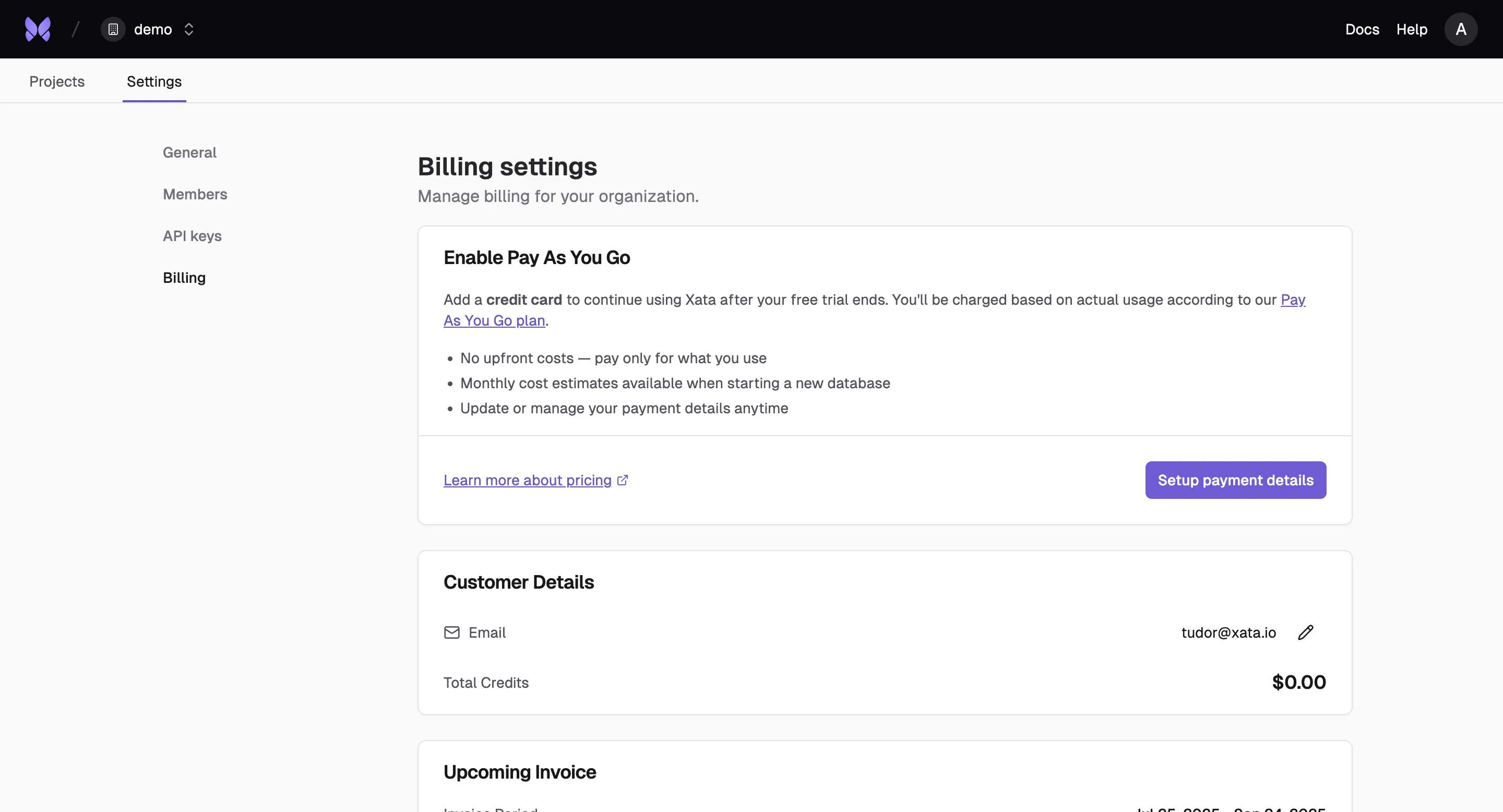
Request Organization Deletion
Admins can submit a deletion request for an organization through the API. This flags the organization for deletion. Once accepted, the organization is immediately inaccessible.202 Accepted.
The request is rejected with
409 Conflict if the organization still has active projects or outstanding invoices. Delete or transfer all projects and settle outstanding invoices before requesting deletion.org:delete scope. See API Keys for details on scoping.
For the immediate destructive variant, use the DELETE /organizations/{organizationID} endpoint, or the CLI: